Mission and Need
Teams at an incident needed headquarters to see what they could see, live and in HD, from wherever the vehicles were parked. A single mobile connection could not sustain HD video everywhere, and it dropped whenever that network was weak.
The client also wanted to steer and record the cameras from headquarters, show the video in several control rooms, and keep the stream away from anyone listening on a single network.
Our Role
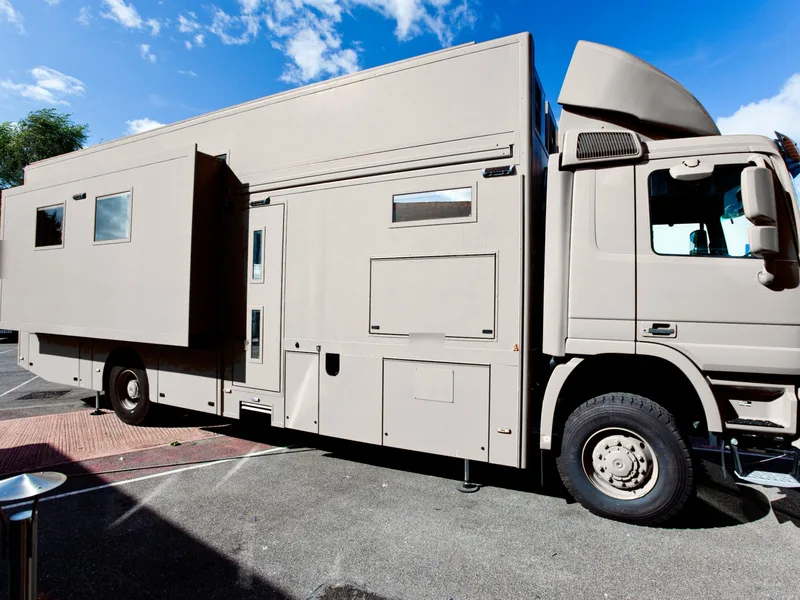
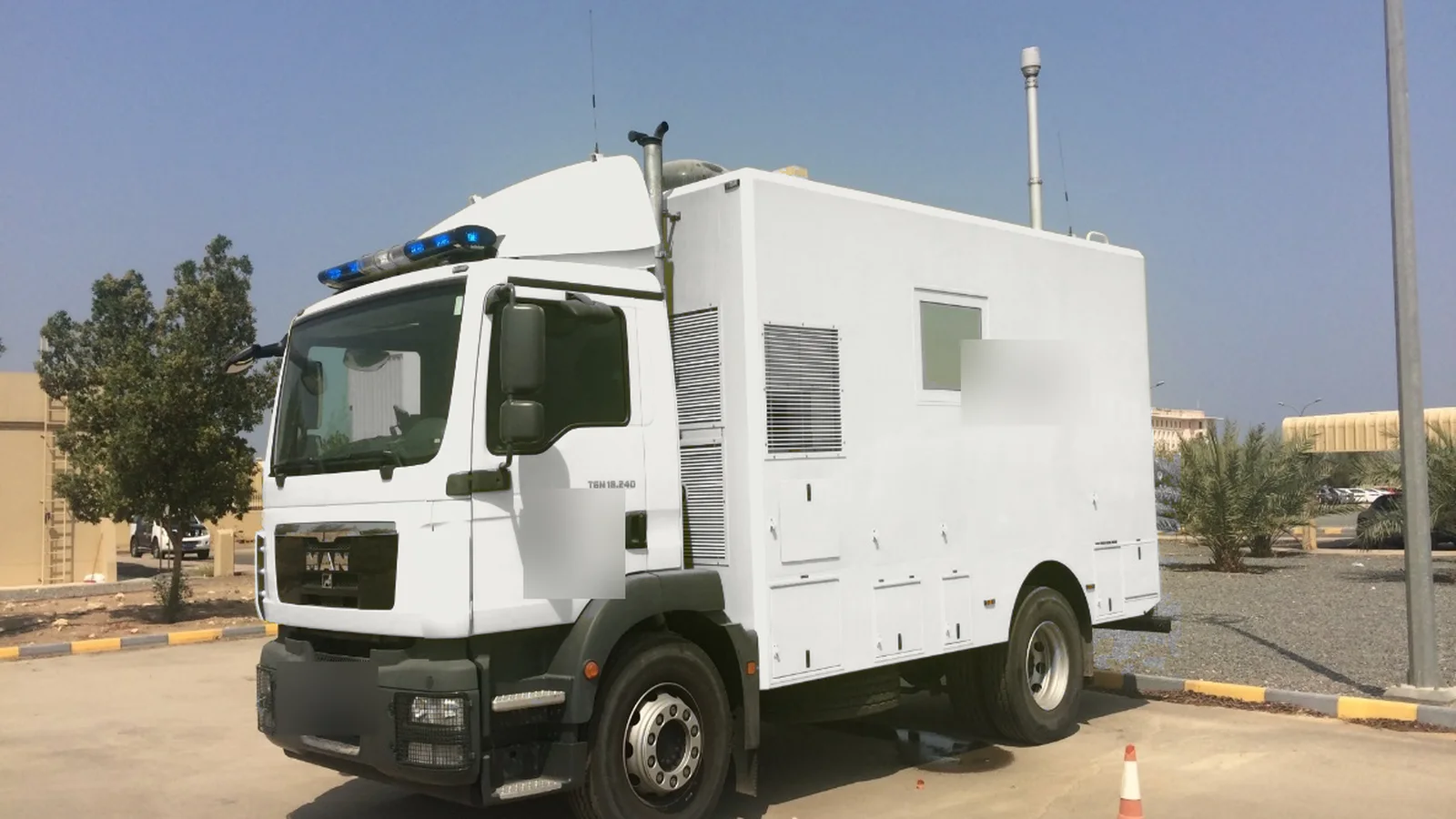
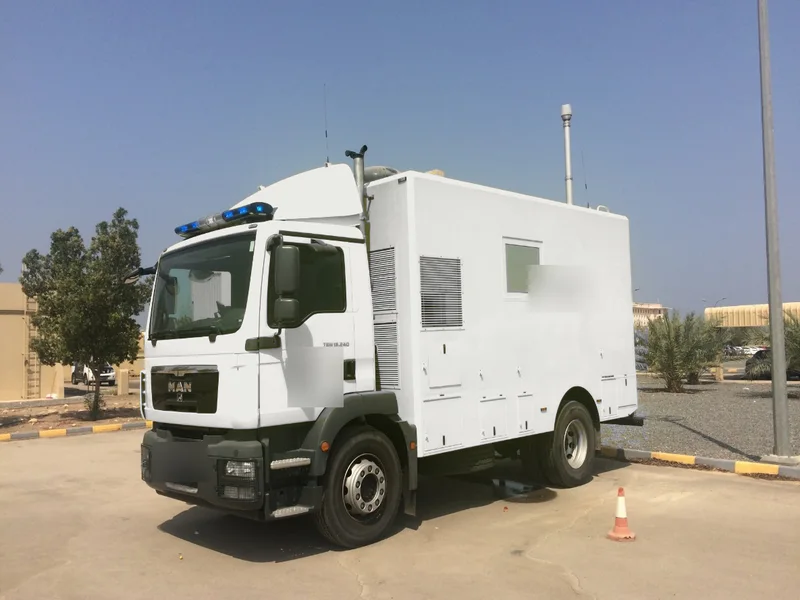
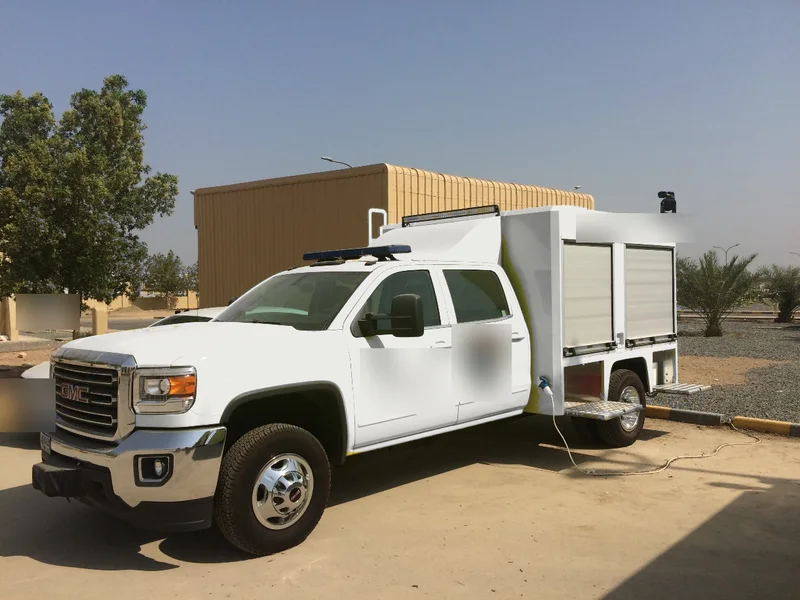
SciFlair led the project as design authority, responsible for the system design, integration, vehicle fit-out, acceptance, training and first-year support. XAD Communications supplied the 4G video streamers.
What We Built
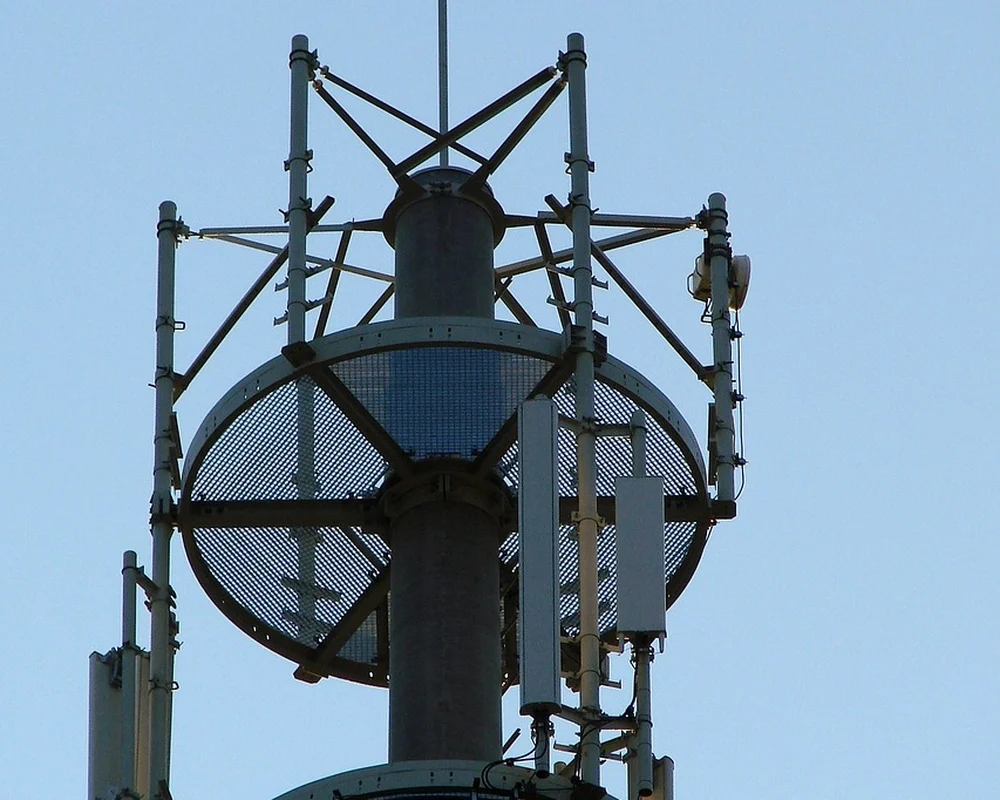
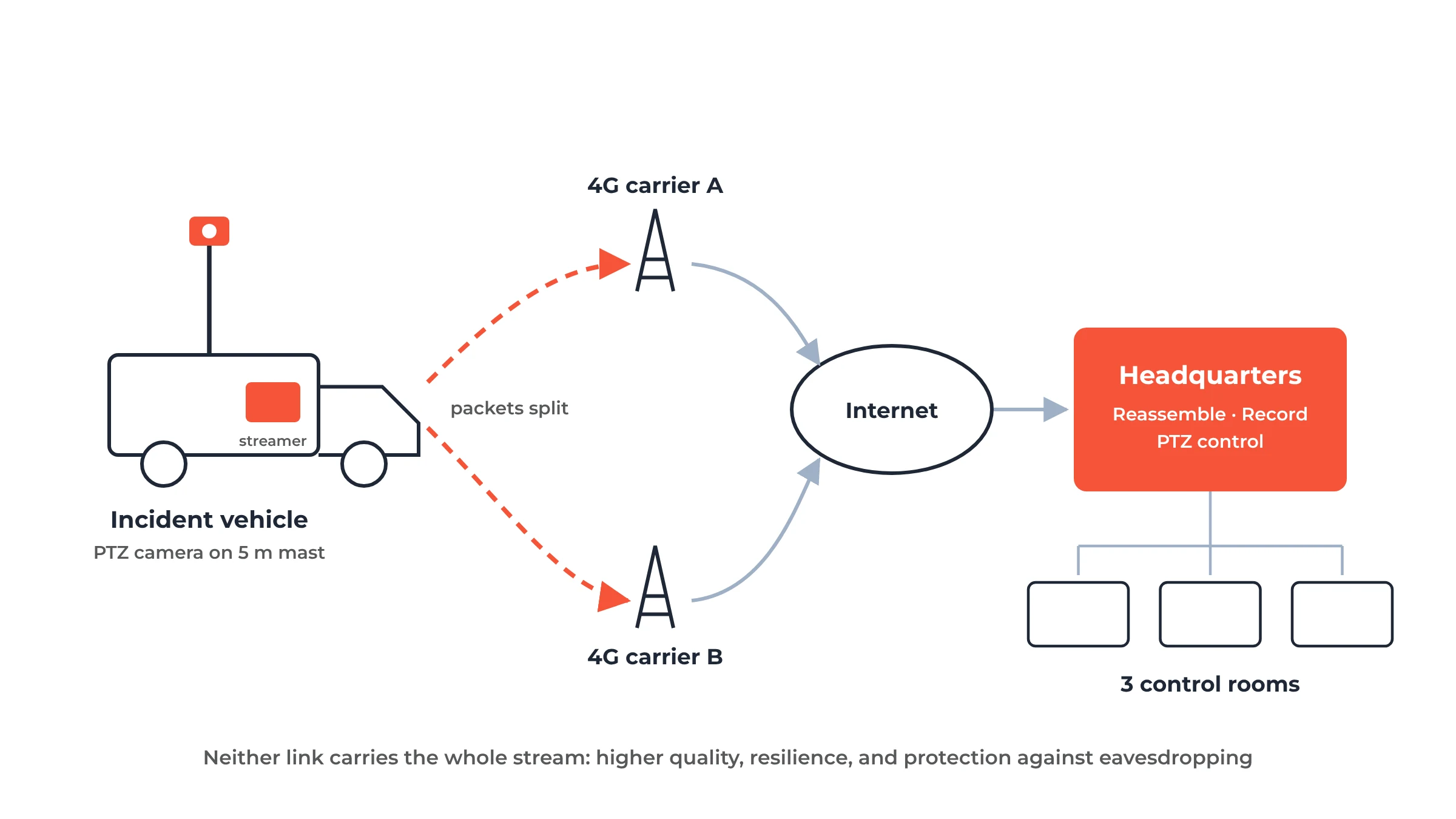
- Video streamers in two vehicles that split each video stream into packets and send them over two separate 4G carriers at once, choosing links by their live quality
- Reassembly at headquarters, so the full stream only exists at the destination: neither network carries all of it
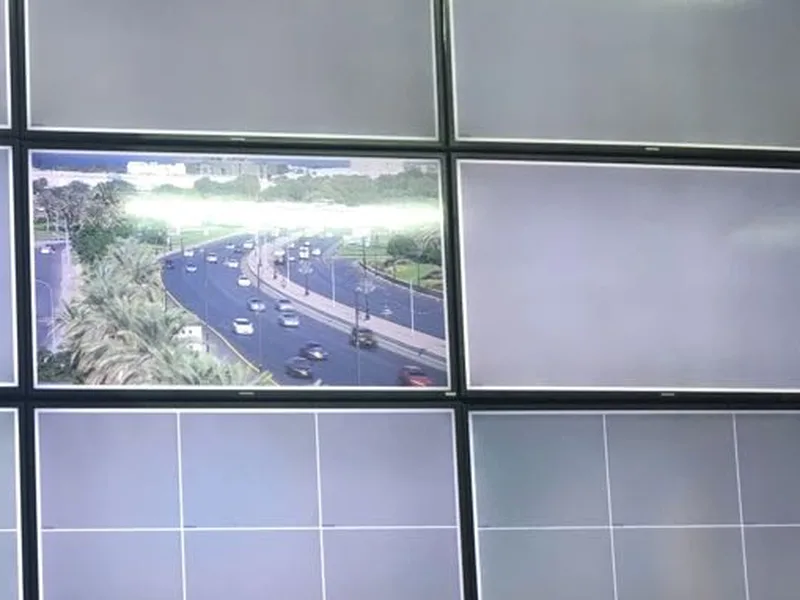
- Remote PTZ camera control and recording at headquarters, with the live video shown in three control rooms
- A 5 m pneumatic camera mast on the new vehicle
- Three-level power on the new vehicle: mains, generator and battery
How It Was Delivered
Concept
Captured the operational need with the client and set the measures of effectiveness: video quality, resilience when one network is weak, and security of the stream.
Development and integration
Integrated the dual-carrier streamers, cameras, mast and power system into the vehicles, and the reassembly, recording and display at headquarters.
Field testing
Tested in the field, where combining the two carriers gave higher-quality live video and kept the stream running where one network was weaker than the other. The trials were very successful.
Acceptance and transition
Completed the site acceptance test, trained 5 administrators and 15 operators, and ran a one-day mock exercise before handover.
Support
Provided first-year support under a three-level service agreement. The whole project was delivered in three months.
Gallery
 Click to enlargeTap to enlarge